
Practical IT Solutions
for Real Environments
From everyday support to complex infrastructure, we deliver secure, reliable, and scalable solutions tailored to your needs.

Managed IT
Keep your people productive and your systems running.
We provide ongoing support, device management, account administration, and lifecycle planning for your whole environment. Whether you have a handful of users or a growing team, we help you work smarter and worry less.
What's included
- Endpoint management (Windows, Mac, mobile)
- User account administration (Microsoft 365, Google Workspace)
- Patch management and system updates
- Help desk and remote support
- Hardware procurement and lifecycle planning
- Onboarding and offboarding
What you get
- Fewer interruptions, because updates and known issues are handled before they become a crisis.
- A current inventory of every device and account, so nothing is forgotten when people join or leave.
- One place to ask for help, with a real person on the other end.
How we start
- Assessment: we review your devices, accounts, and the things that frustrate your team.
- Plan: you get a written scope with what is included and what is not.
- Onboarding: we document, secure, and enroll each device and account.
- Ongoing: regular check-ins and a clear way to request help.
Good to know
- Managed IT is its own agreement. Web design and hosting are scoped separately so you only pay for what you use.
- Response expectations, on-site visits, and after-hours coverage are written into each agreement rather than assumed.

Security & Networks
Protect what matters without slowing people down.
Good security is mostly good habits and sound configuration. We design networks that are segmented and documented, put the basics in place everywhere, and explain each decision in plain language so your team can keep it working.
What's included
- Firewall configuration and network design
- Secure Wi-Fi with separate guest and staff networks
- Multi-factor authentication and account hygiene
- Backup setup with periodic restore testing
- Email authentication basics (SPF, DKIM, DMARC)
- Practical security guidance for staff and volunteers
What you get
- A network diagram and documentation you actually own.
- Accounts protected with multi-factor authentication and sensible access.
- Backups that have been tested, not just scheduled.
How we start
- Review: we look at what is in place today, including accounts, devices, and the network.
- Prioritize: fix the highest-impact gaps first, with costs stated up front.
- Harden: implement the plan and document every change.
- Maintain: periodic reviews as your organization changes.
Good to know
- We reduce risk and tell you plainly what remains. We do not sell guarantees or insurance-backed protection.
- Monitoring, human response, and restoration are separate commitments that are agreed in writing for each client.
Hosting & Infrastructure
Dependable infrastructure for websites, services, and internal systems.
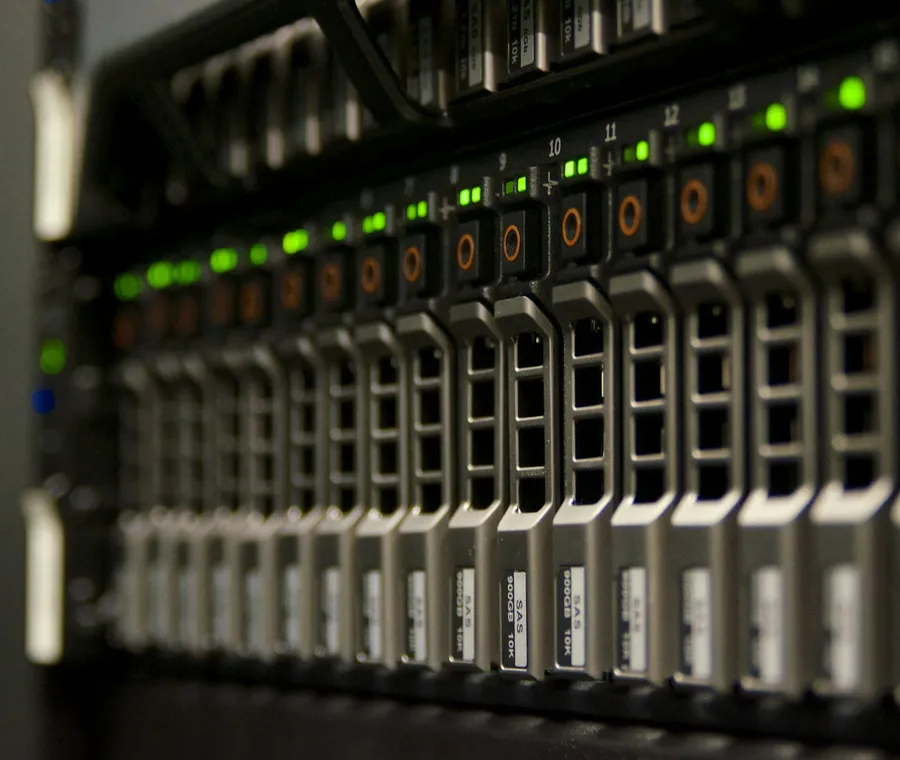
From a single website to internal servers, we build and maintain infrastructure that is monitored, backed up, and documented. We prefer boring, well-understood systems that keep working while you focus on your organization.
What's included
- Website hosting and maintenance
- Server and virtualization setup
- Monitoring and alerting
- Backup and recovery planning
- DNS, domains, and certificates
- Migration away from aging or unsupported systems
What you get
- You know where your site and data live, and who to call.
- Alerts reach a person when something breaks.
- Recovery steps are written down and tested.
How we start
- Inventory: what runs where, who owns it, and what depends on it.
- Plan: a hosting design and migration steps with a rollback path.
- Migrate: move in a maintenance window, verify, and then cut over.
- Operate: monitoring, backups, and routine updates.
Good to know
- Hosting is quoted separately from managed IT and from web design.
- Monitoring tells us when something is wrong. Restoration timelines are agreed per service, not assumed.

Consulting & Projects
A clear plan and a steady hand for the projects you cannot afford to get wrong.
Some work is a project, not a subscription: a move, a migration, a new building, a streaming setup. We scope it in writing, do the work, document it, and hand it back to you in better shape than we found it.
What's included
- Technology assessments and roadmaps
- Office moves, buildouts, and network installs
- Cloud and email migrations (Microsoft 365, Google Workspace)
- Audio, video, and streaming setups for churches and creators
- Vendor evaluation and quote review
- Documentation and handoff
What you get
- A written scope, so there are no surprises about what is included.
- Decisions explained in plain language, with options and trade-offs.
- Documentation that lets you or anyone else maintain the result.
How we start
- Discovery: a conversation about goals, constraints, and budget.
- Proposal: scope, timeline, cost, and what you need to provide.
- Delivery: milestones with check-ins, not a black box.
- Handoff: documentation, training, and an optional support plan.
Good to know
- Projects are fixed-scope and quoted individually. Ongoing support afterward is optional and scoped separately.
- We recommend vendors on merit and tell you if we have a relationship with one.
Custom Software & Integrations
Need something built around your workflow?
Tell us what your team is trying to accomplish. We'll help determine whether an existing tool, an integration, or a custom application is the right fit.
We build the kind of software we use ourselves: desktop and web applications, Discord bots and community tooling, and integrations that move data between the systems you already pay for.
How an engagement runs
- Understand the workflow: who does what today, where it breaks, and what a good outcome looks like.
- Agree the scope in writing, including what is out of scope and what you need to provide.
- Build and review in stages, so you see working software early rather than a reveal at the end.
- Document and hand over: you receive the code, the configuration, and plain-language documentation.
- Arrange ongoing support where required, as its own agreement.
Examples of what we have built
- A desktop application for streamers that merges live chat from several platforms (see StreamChat on our Software page).
- A Discord bot with an approval workflow and calendar scheduling for a volunteer-run community.
- Integrations between Microsoft 365 or Google Workspace and the tools your team already uses.
Good to know
- Custom development is scoped and quoted separately. It is not included in a managed IT agreement.
- Hosting and ongoing application maintenance are agreed separately from the build.
- Pricing, delivery dates, and licensing or ownership terms are set in the written proposal for each project, not assumed.
Not sure which one you need?
Most conversations start with an assessment. We look at what you have, listen to what frustrates you, and recommend the smallest change that makes the biggest difference.
Request an Assessment